Done archive
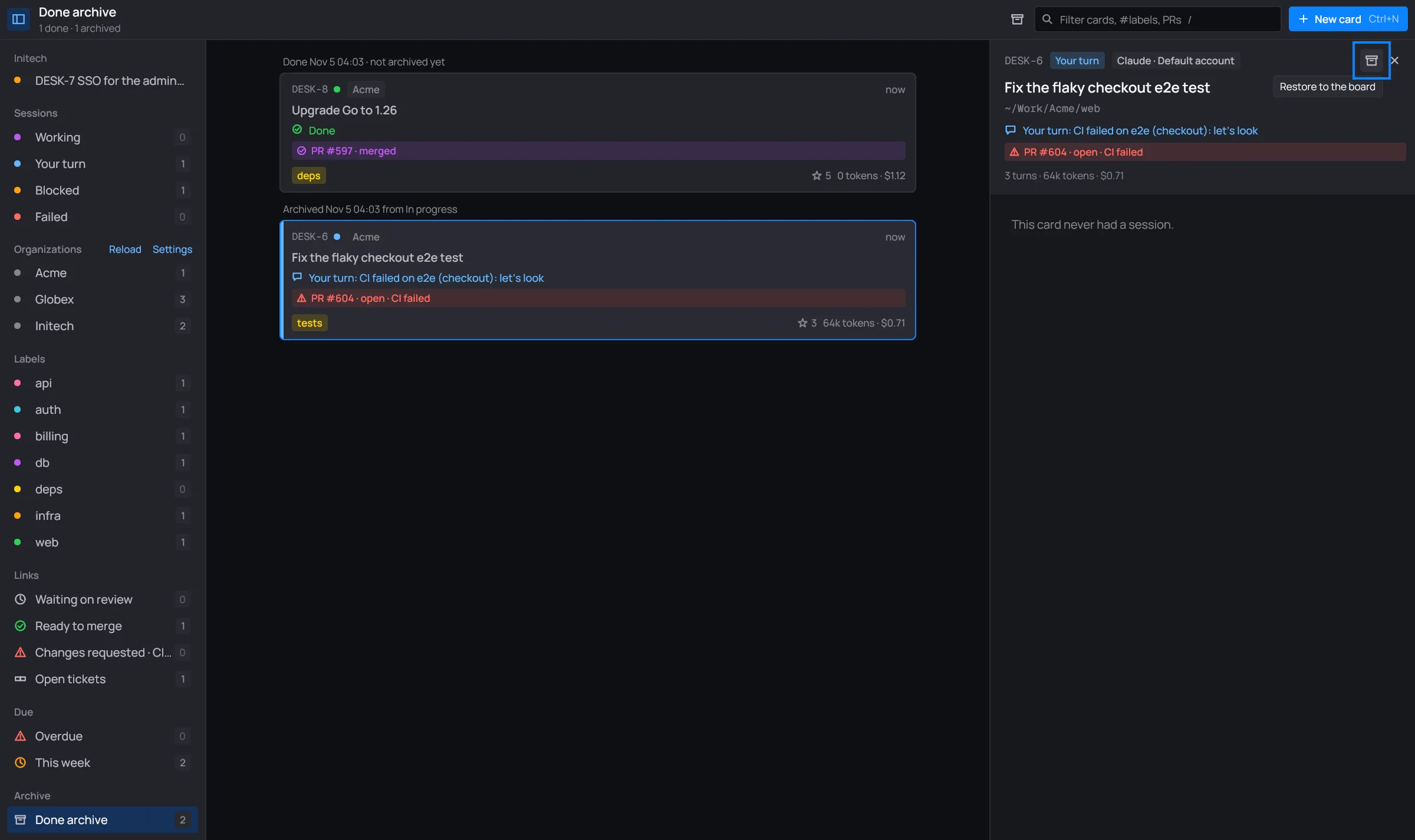
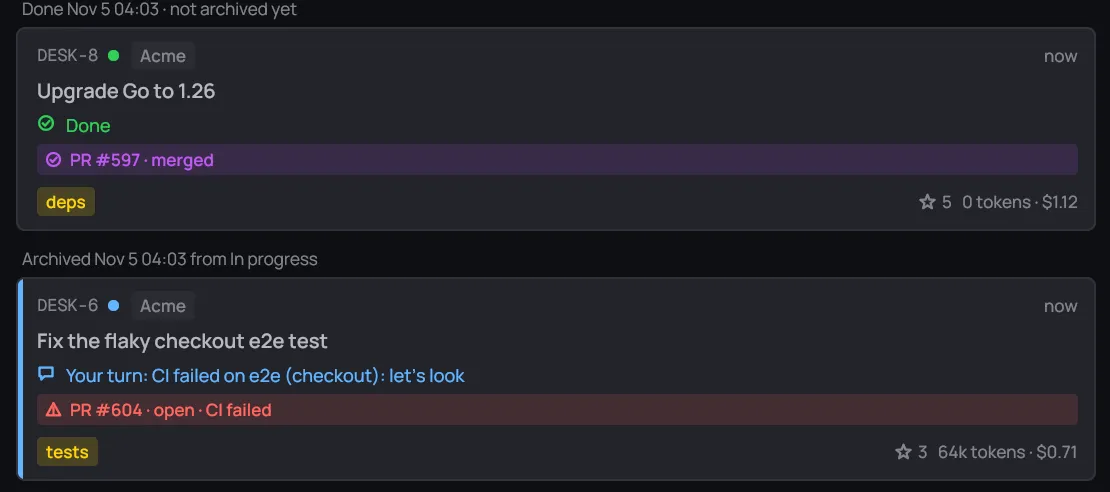
The board doesn’t show the Done column. Cards Claude finishes, or that you move to Done, wait in the Done archive, along with the cards you archived.
Open it from the bottom of the sidebar: Archive → Done archive. Its count is the Done cards plus the archived ones. The header reads “1 done · 1 archived”.
The toolbar’s search filters the archive too. See Search.
Archive a card
Section titled “Archive a card”Archiving takes a card off the board and into the archive, from any column. If its session is running, desk stops it.
- Right-click the card and choose Archive (or press Backspace while its menu is open). See the card menu.
- Or click the archive icon in the card’s session panel.
A toast at the window’s foot says what happened: “Archived DESK-6”, or “Archived DESK-6; its session stopped”.

Click Undo, or press Ctrl+Z on the board, within six seconds. The card goes back to its column.
Archive every Done card
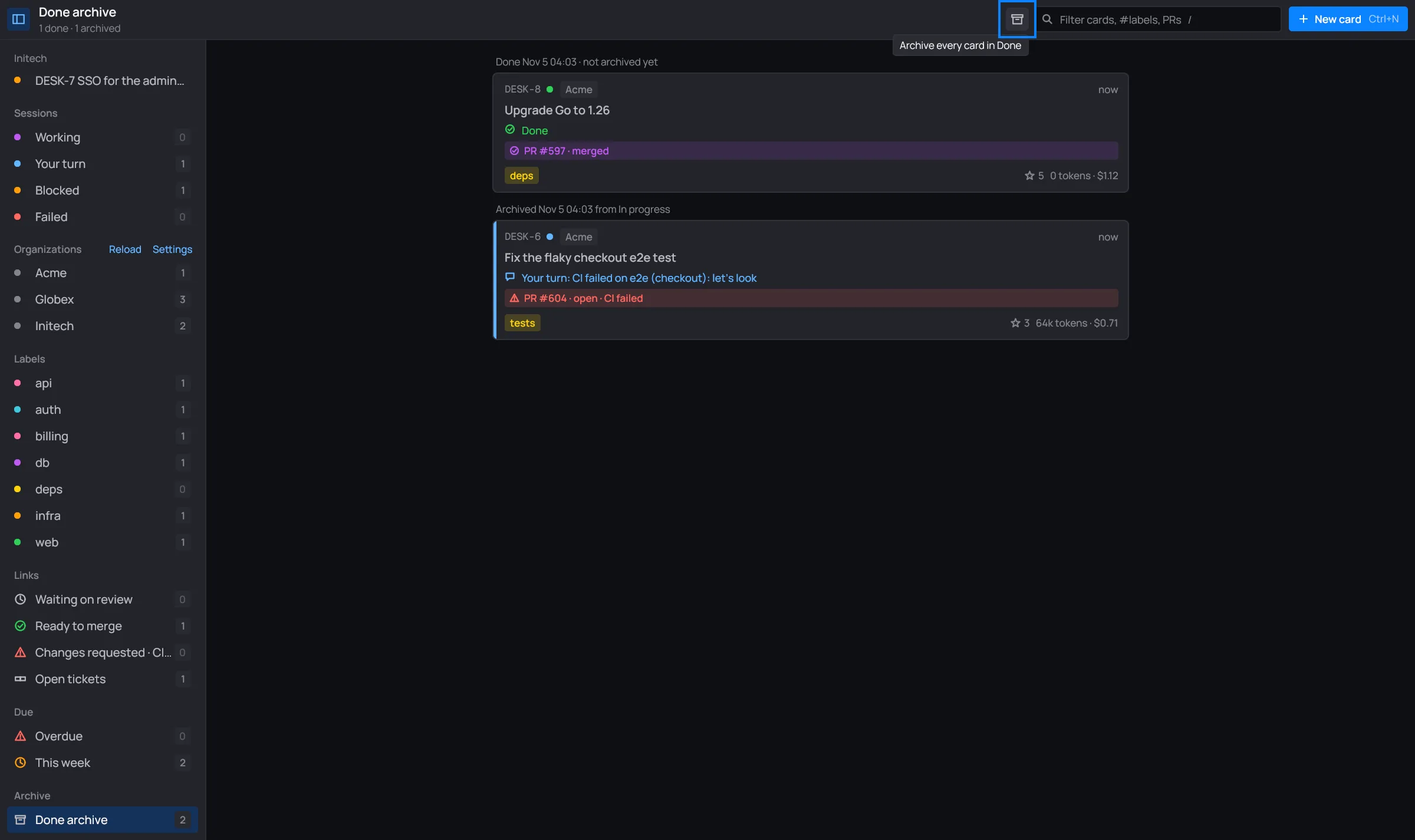
Section titled “Archive every Done card”The archive box in the toolbar archives every card in Done at once. A toast says how many (“Archived 3 done cards”). This one has no undo, but you can still restore each card.

Restore a card
Section titled “Restore a card”- Open Done archive and click the card. Its session panel opens: you can read the conversation.
- Click the archive icon in the panel’s header, Restore to the board.
The card goes back to the end of the column it was archived from, and desk switches back to All cards. A toast says “Restored DESK-6”.