The sidebar
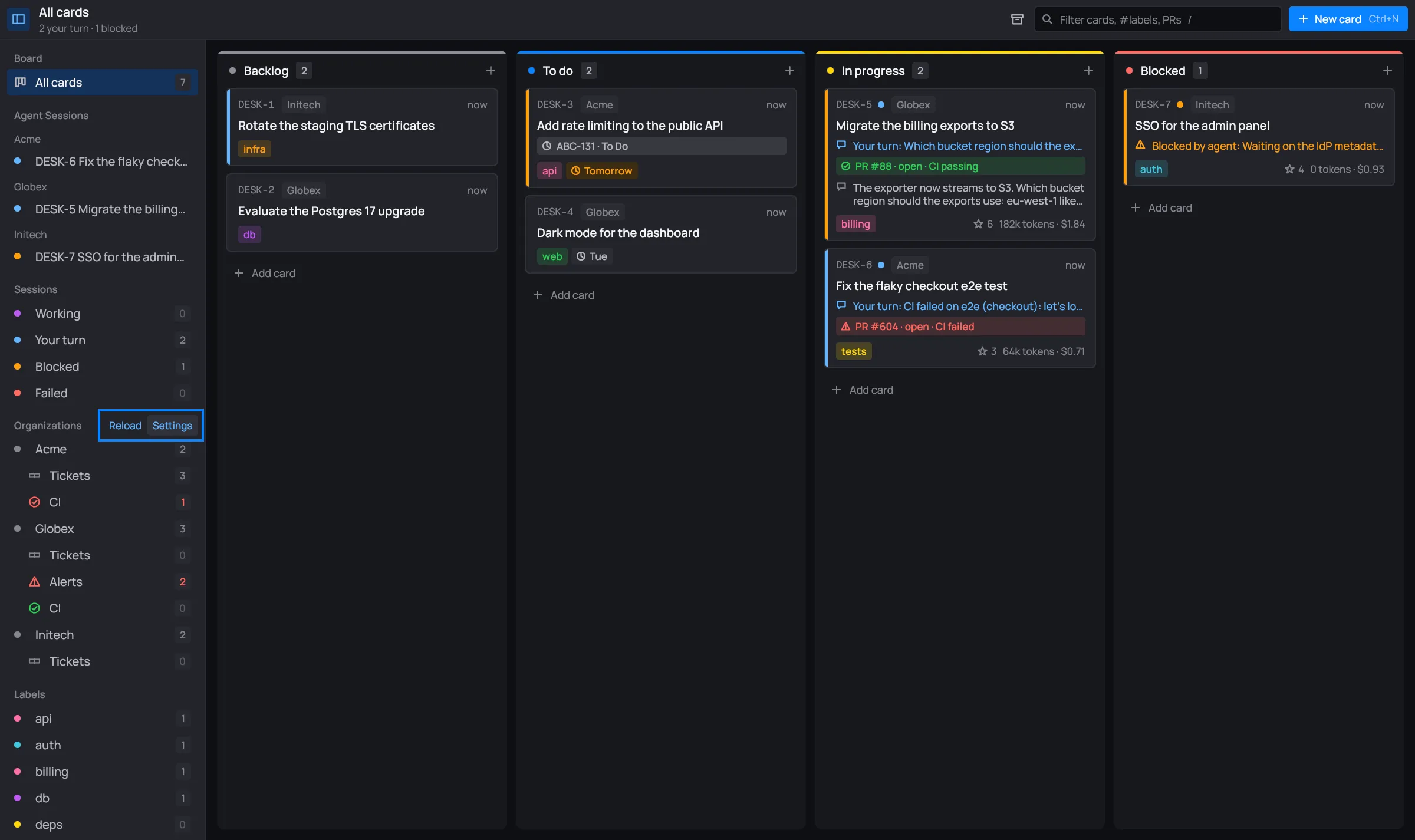
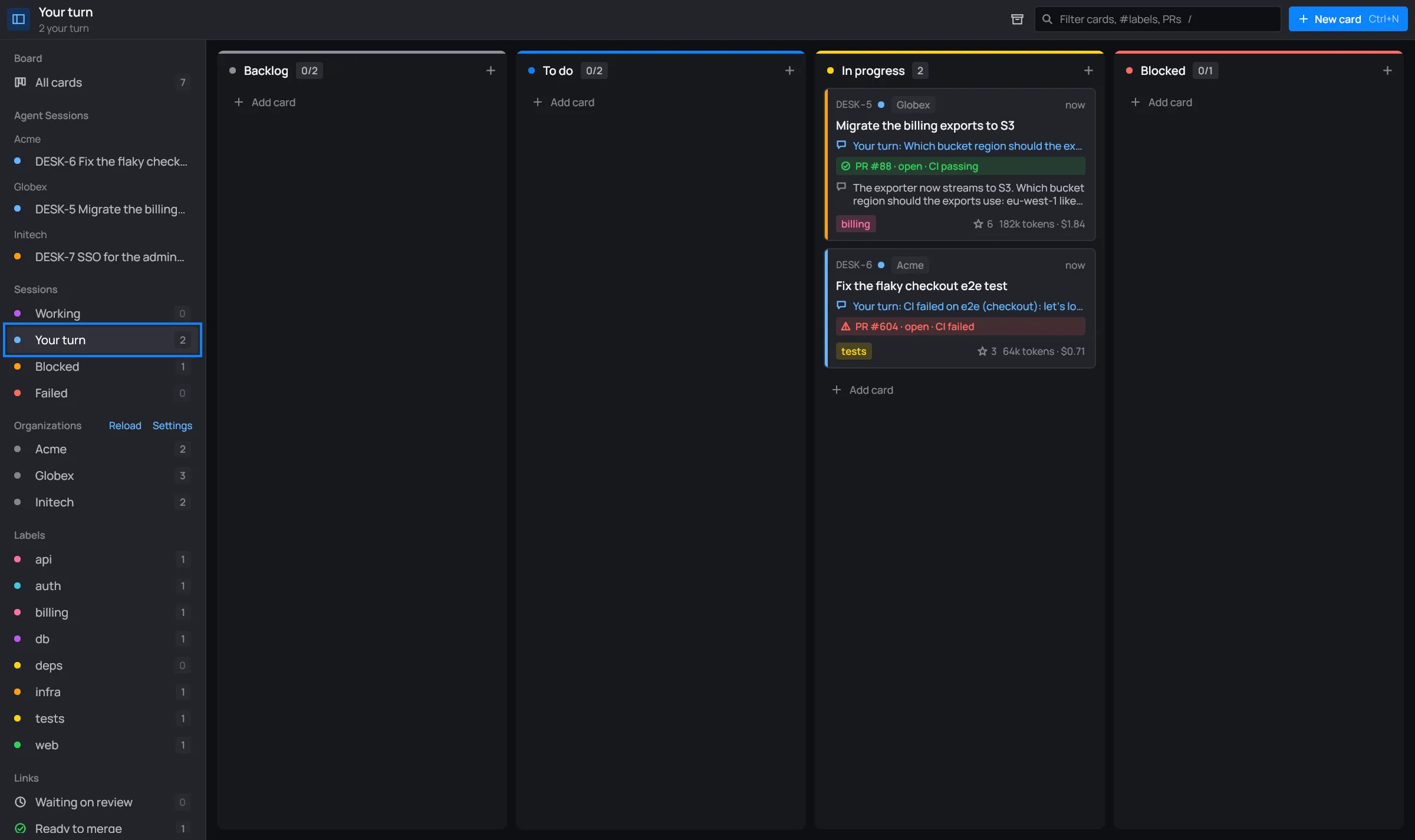
The sidebar lists the board’s views. Click one to show only its cards. The toolbar’s header then names the view and sums it up. Most rows end with a count. A gray count of 0 means the view is empty right now.
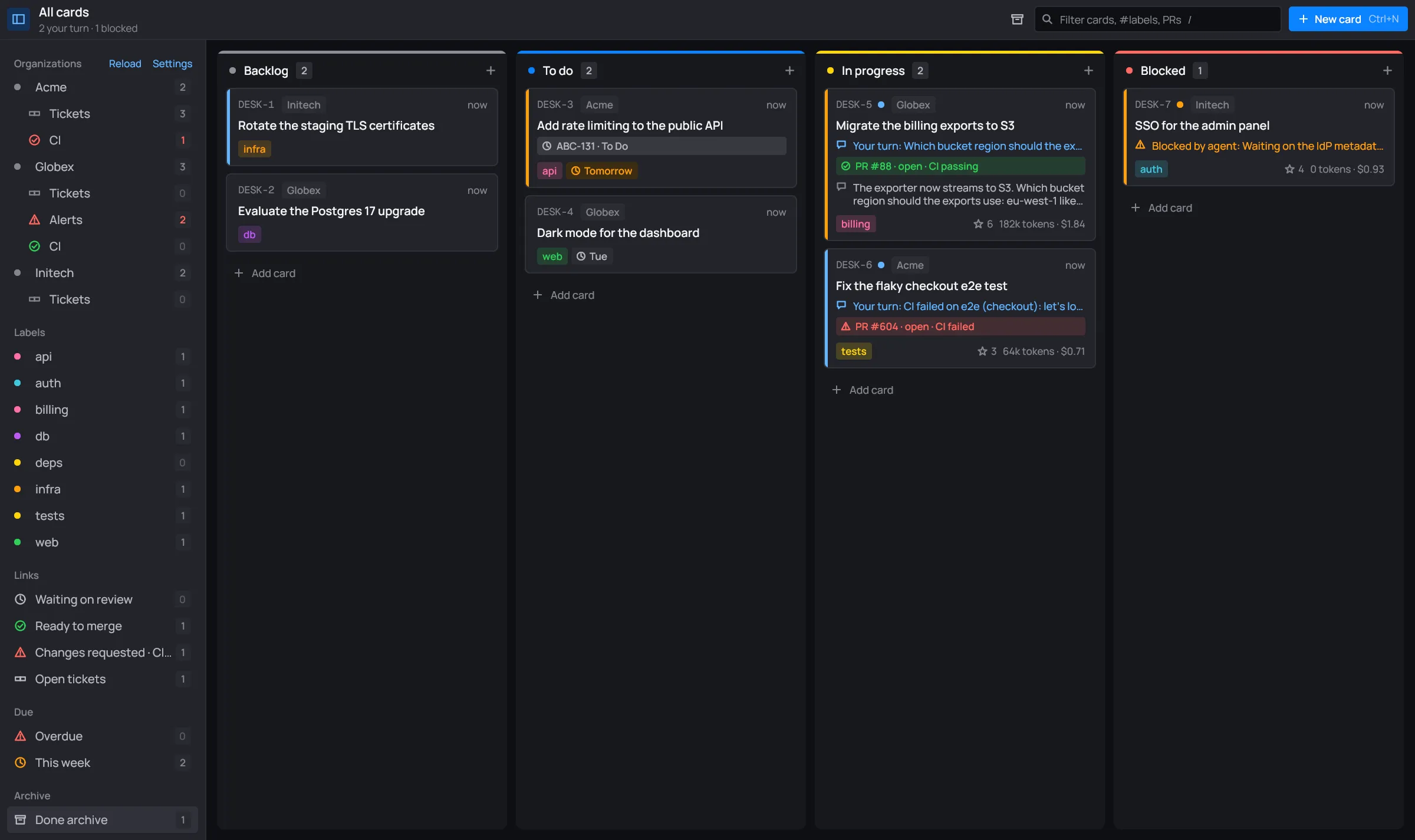
The sidebar scrolls. The rest of it (labels, links, due dates and the archive) is further down:
Board: All cards
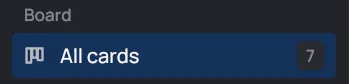
Section titled “Board: All cards”All cards is the whole board, every column but Done. Its count is the number of cards on the board.
Agent Sessions
Section titled “Agent Sessions”Every card with a session is listed here as its key and title, grouped by organization when the sessions span more than one. Cards in Done drop off the list: the Done archive has them.
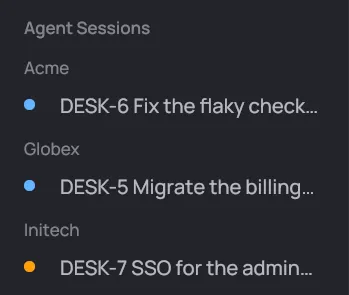
- The dot is the session’s status color (blue for your turn, orange for blocked…).
- A green terminal icon means the card’s Claude Code terminal is open.
- An orange warning icon means Claude is asking you something.
A click opens the session in the full window, or its terminal when one is open. These rows have no count.
Sessions
Section titled “Sessions”The cards whose session is in a given state: Working, Your turn, Blocked and Failed. Each count is the number of cards in that state.
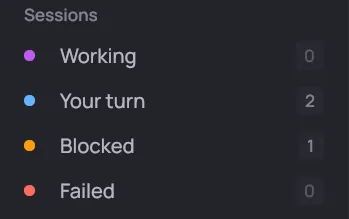
Your turn is the one to check first: those sessions are waiting on you.
Organizations
Section titled “Organizations”Each organization the board uses, by name, with a count of its cards. Click one to show only its cards. A new card made from that view starts in that organization.
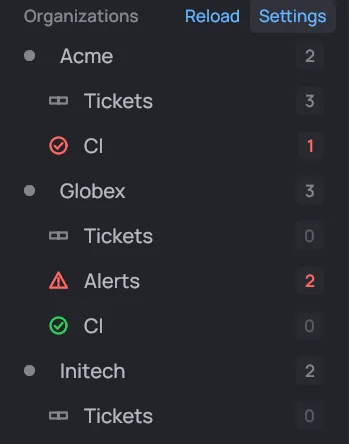
An organization can have views of its own, under its name:
- Tickets: the open issues assigned to you in its Jira, GitHub or GitLab. The count is how many. See My tickets.
- Alerts: its Nagios alerts. The count is the ones nobody acknowledged, in the worst one’s color. See Alerts.
- CI: the pipelines of its cards’ pull requests, merge requests and commits. The count is the failures, in red. See CI.
- Servers: its servers, when it has a servers file. See Servers.
While desk is fetching an organization’s links, tickets or alerts, a spinner takes the place of its dot.
The section’s title has two buttons:
- Reload looks for organizations again (a folder you just made shows up), then rechecks every link, ticket, alert and CI run. A toast says how many organizations it found.
- Settings opens the settings on the organization you’re looking at, or the selected card’s.
Labels
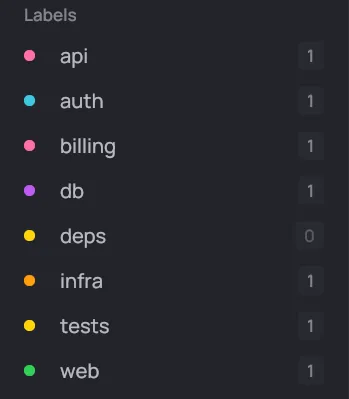
Section titled “Labels”Every label in use on the board, each in its own color (the same color as on the
cards), with the number of cards that carry it. The header names a label view
with a #, like “#api”. A new card made from a label view starts with that label.
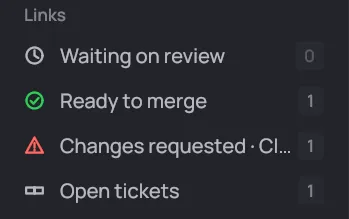
Cards by the state of their links. See Links for what the states mean.
| View | Its cards have |
|---|---|
| Waiting on review | a pull or merge request still open, waiting (gray) |
| Ready to merge | a pull or merge request approved (green) |
| Changes requested · CI failed | a pull or merge request with changes requested, or whose CI failed (red) |
| Open tickets | a Jira issue that isn’t done |
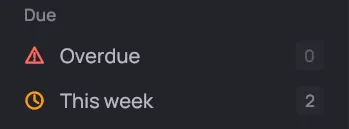
- Overdue: cards whose due date has passed.
- This week: cards due today or in the next six days.
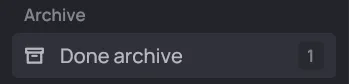
Archive: Done archive
Section titled “Archive: Done archive”Done archive shows the Done column’s cards, then the archived ones. Its count is both together. See Done archive.