
Organizations
An organization is a folder of your work: a client, a company, a side project. Every card belongs
to one. Its sessions run in its folder, under its Claude account, and its links, tickets, CI and
alerts go through the accounts in its desk.toml.
Where desk finds them
Section titled “Where desk finds them”By default desk looks in $DESK_ROOT, or ~/Work when it isn’t set, two levels down. Every
subfolder there is an organization, named after its folder:
~/Work/├── Acme/ ← organization "Acme"│ ├── api/ ← a folder cards of Acme can run in│ └── web/├── Globex/ ← organization "Globex"└── Initech/ ← organization "Initech"Folders whose name starts with . or _ are left out. You can change all of this in
Settings → General: search other folders, go deeper or shallower, and decide which folders
count. See Settings.
- Search folders: any number, searched top to bottom. When two folders give the same name, the higher one wins.
- Depth: how many levels down desk looks, from 0 to 6. Level 1 is the organizations
themselves; deeper levels only count folders with their own
desk.toml(below). - Only with desk.toml (
only_toml): a subfolder is an organization only when it has adesk.toml. The others are listed as skipped. - Folder is an org (
root): the search folder itself is an organization too, when it has adesk.toml.
These are kept in desk’s own settings, ~/.config/desk/settings.toml.
Nested organizations
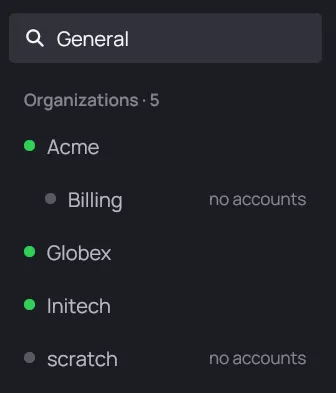
Section titled “Nested organizations”A folder inside an organization can be one of its own: give it a desk.toml. It is found as long
as it is within the search folder’s depth.
org = "Billing" # optional: without it, the organization is named after its folderA nested organization has its own accounts, tickets, CI and alerts. Its sessions run under the outer organization’s Claude account (Acme’s, here). The settings list it right under its outer one.
A Claude account per organization
Section titled “A Claude account per organization”Without anything set up, every session runs under your own Claude Code login. To give an organization its own account, make a profile folder for it:
~/Secure/Claudes/<Org>/ # a Claude Code config folder (what ~/.claude holds)~/Secure/Claudes/claude-<org>.json # its .claude.json, lowercase name; made from the folder's on first useWhen ~/Secure/Claudes/<Org>/ exists, desk starts that organization’s sessions inside a
bubblewrap (bwrap) sandbox that binds the profile
folder over ~/.claude and claude-<org>.json over ~/.claude.json. The rest of your files are
where they always are. Its sessions, Improve with Claude and the card terminal all use that
account, and so do the plan limits desk shows for them.
Every session names the account it runs under in its header:

What the organization’s folder gives a session
Section titled “What the organization’s folder gives a session”A card runs in <Org>/<folder> (the folder you pick on the card), or in the organization’s own
folder. When it runs in a subfolder, desk also adds the organization’s folder to the session with
--add-dir, so the organization’s .claude/skills load in every one of its sessions.
The organization’s desk.toml (<Org>/.desk/desk.toml, see Files) also holds:
- its accounts (GitHub, Jira, Bitbucket, GitLab, Nagios) and vaults: see Accounts and Vaults;
agentandagents: the Claude Code agent new cards run as;[servers]: its servers file, for the infra workspace.
The desk.toml reference lists every key.
Reload
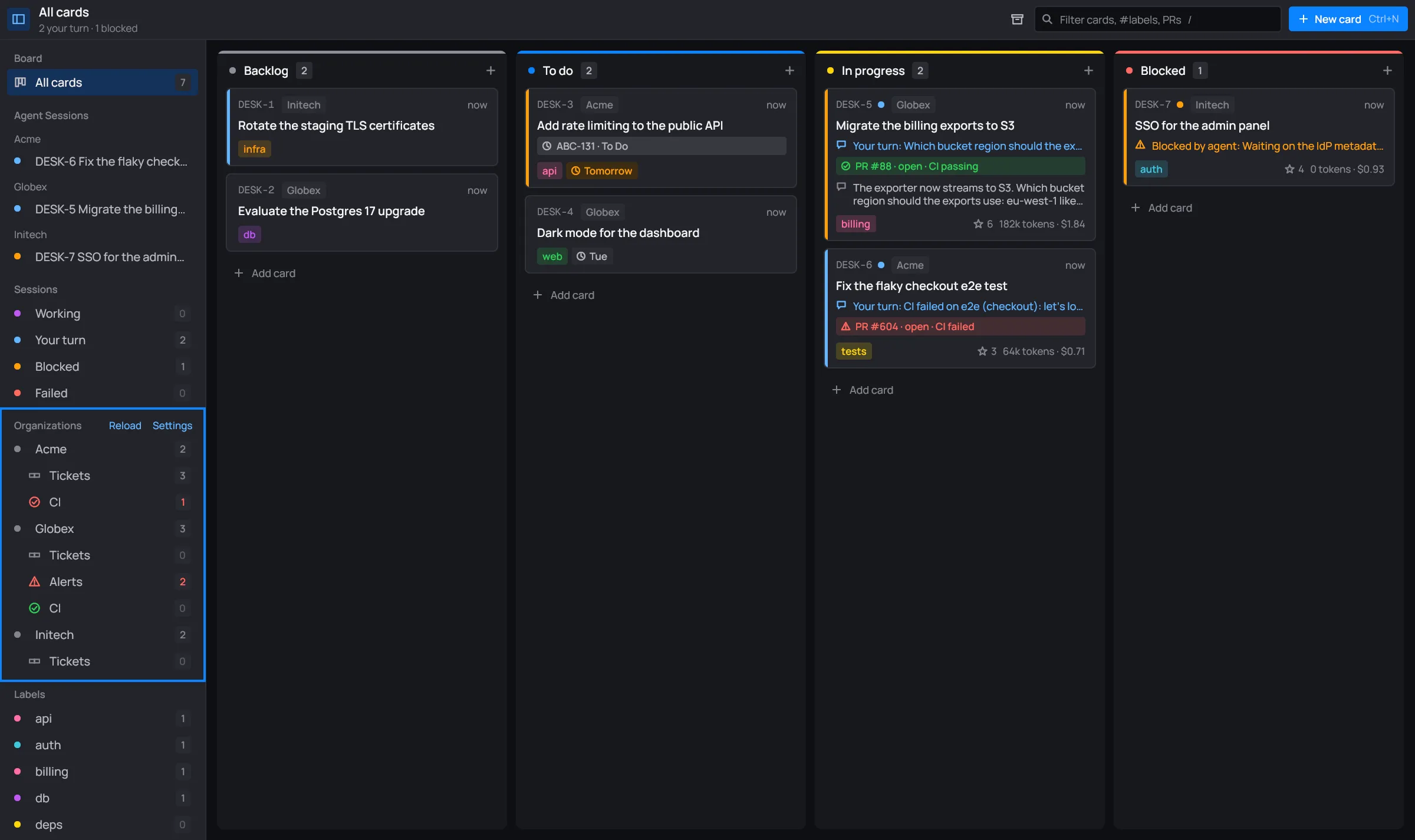
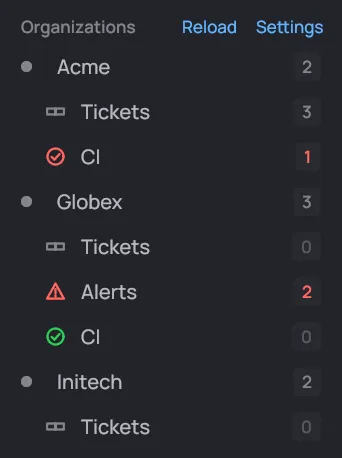
Section titled “Reload”Reload, in the sidebar’s Organizations header, looks for organizations again and rechecks
every link, ticket, alert and CI run with the desk.toml files as they are now. Use it after
adding a folder or editing a desk.toml by hand. Saving the search folders in Settings reloads
too; saving an organization’s accounts rechecks its links and tickets.