
CI
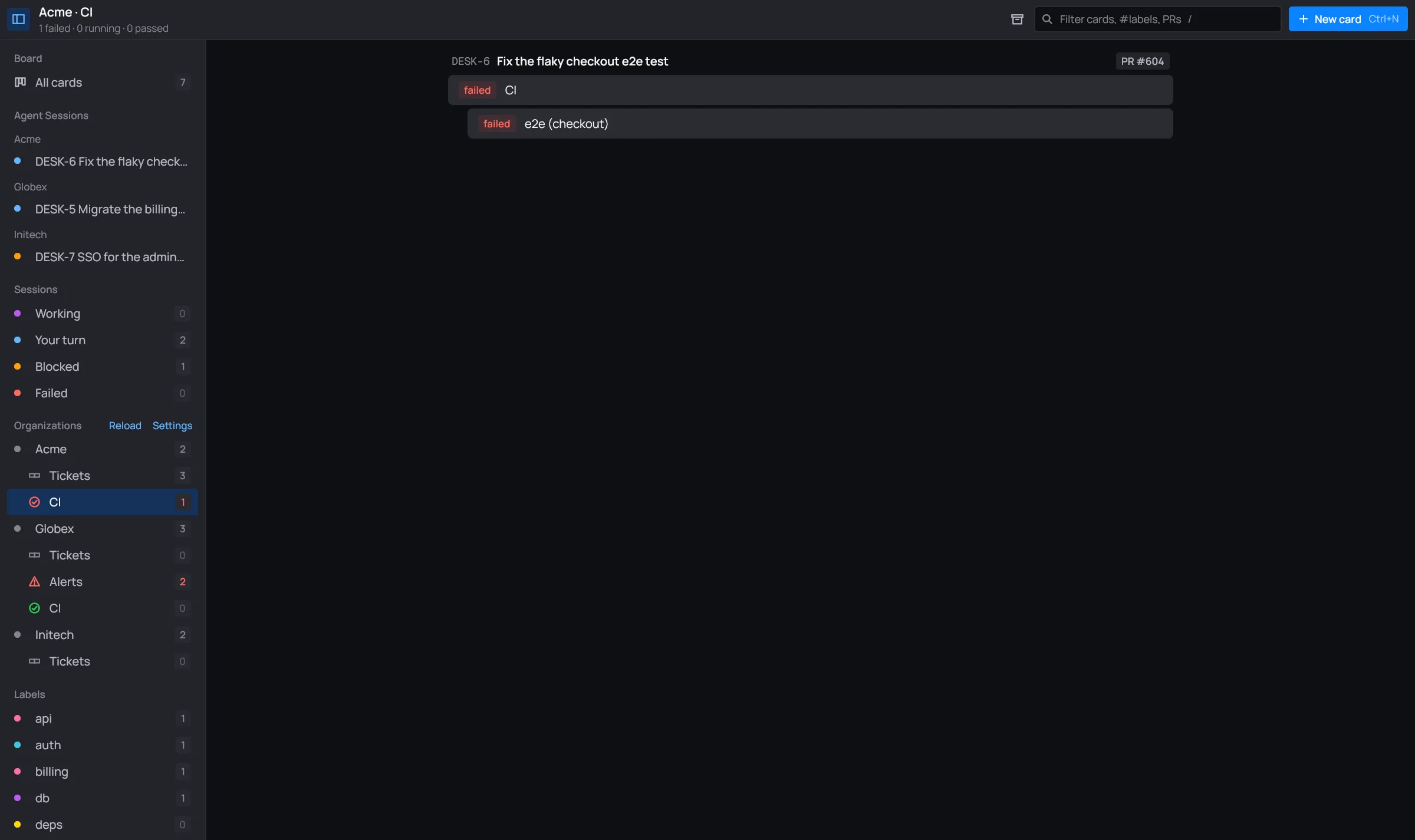
Under each organization whose cards link pull requests, merge requests or commits, the sidebar has CI: the CI of those links, card by card. Failed and running ones show their jobs.
What’s in it
Section titled “What’s in it”The links of every card that isn’t in Done:
- GitHub pull requests and commits: the GitHub Actions workflow runs of the PR’s head commit, or of the commit, with their jobs.
- GitLab merge requests and commits: the latest pipeline of the MR, or of the commit, with its jobs (named stage · job).

- The card’s line (its key, title and link) opens its session.
- A run’s row opens the run in the browser; a job’s row opens the job.
- A run that passed shows alone. A run that didn’t shows its jobs that didn’t pass or weren’t skipped, indented under it.
- A link with no runs says No CI runs.; one whose check failed says why, in red.
Each status has its color: success green, failed red, running purple, pending orange, canceled and skipped grey.
The header sums it up: 1 failed · 0 running · 0 passed. The sidebar’s CI row counts the links whose CI failed, and its icon takes the worst color (red failed, purple running, green passed).
The search box filters by card key, title, link and run names and statuses.
When an organization has no CI view
Section titled “When an organization has no CI view”The view only lists links desk can ask about. A link with no matching account (with a token) for its host and owner is left out: its chip says no GitHub account instead (see Accounts). An organization with no such link has no CI row.
CI refreshes with the links, every 3 minutes, and when you Reload.
CI on the cards
Section titled “CI on the cards”A pull or merge request’s chip on its card says its CI too: · CI failed turns the chip red, · CI running waits, · CI passed is fine.
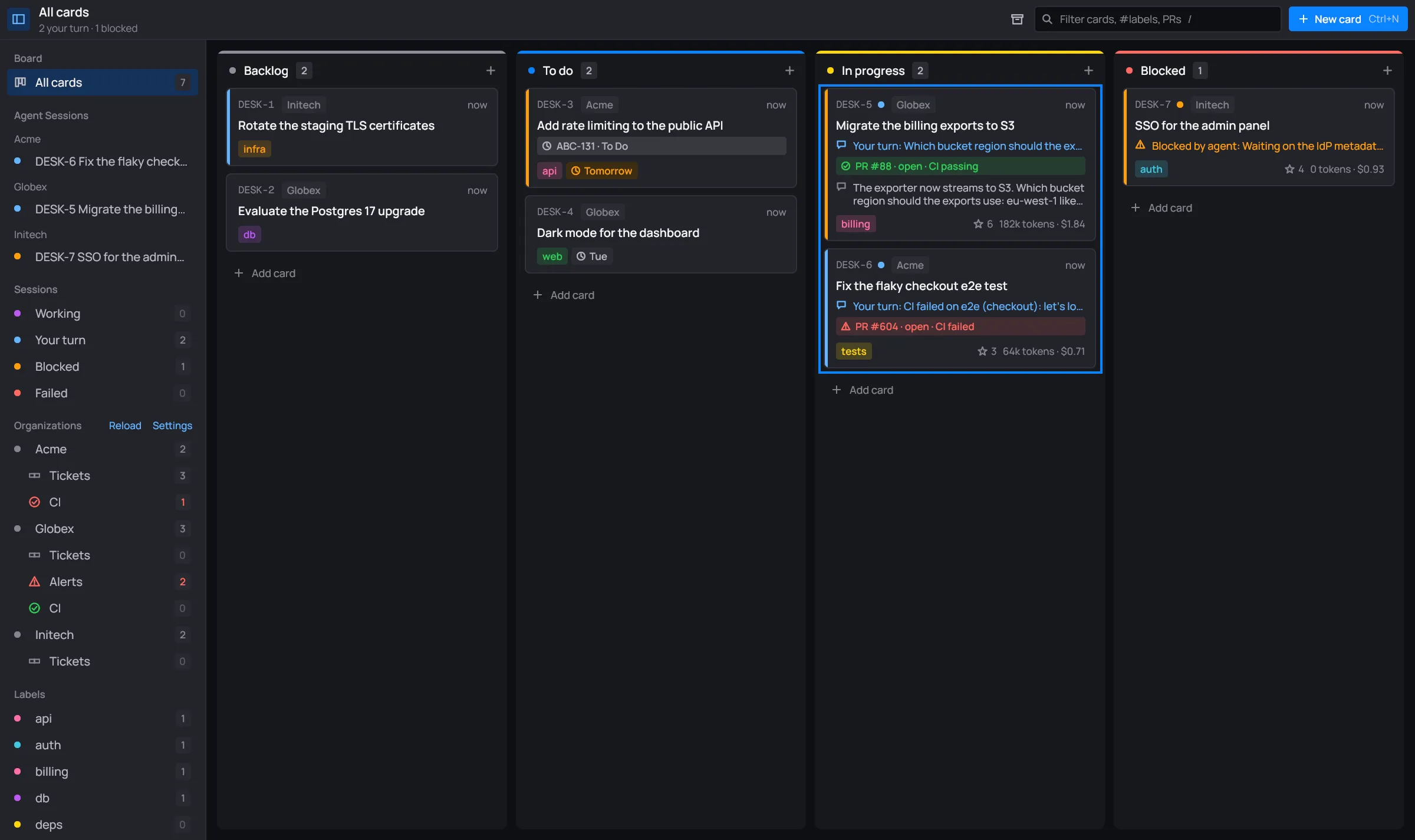
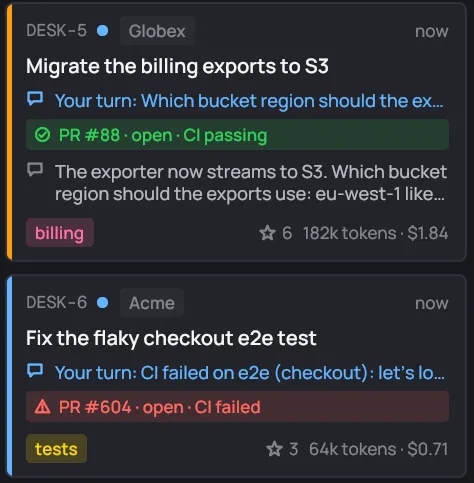
The Changes requested · CI failed view in the sidebar’s Links section gathers the cards with a red pull or merge request chip, across organizations. A card’s Claude can read the same CI, and a failed job’s log, with the card tools.