Search
The search field in the toolbar filters the cards in the view you’re in. Cards that don’t match drop out of their columns as you type.
Open and close it
Section titled “Open and close it”- Press / or Ctrl+F on the board, or click the field.
- Type. The board filters as you go.
- Enter leaves the field and selects the first card that matches, so the arrow keys, Enter and E work on the results right away.
- Esc, or the × at the field’s end, clears the search.

While a search hides some of a column’s cards, the column’s count shows how many are left out of how many it holds:

The search works inside the view you picked in the sidebar: in Acme it searches Acme’s cards only. It also filters the Done archive.
What it looks in
Section titled “What it looks in”A card matches when the query matches any of:
- its key (
DESK-12) - its title and notes
- its organization
- its last message
- its labels, written with a
#(#api) - its links: their reference (
PR #604,ABC-131) and their URL
The syntax
Section titled “The syntax”The search uses fzf’s extended syntax:
| Type | Matches |
|---|---|
bucket region |
cards with both words, letters in order but not necessarily together (fuzzy); words are ANDed |
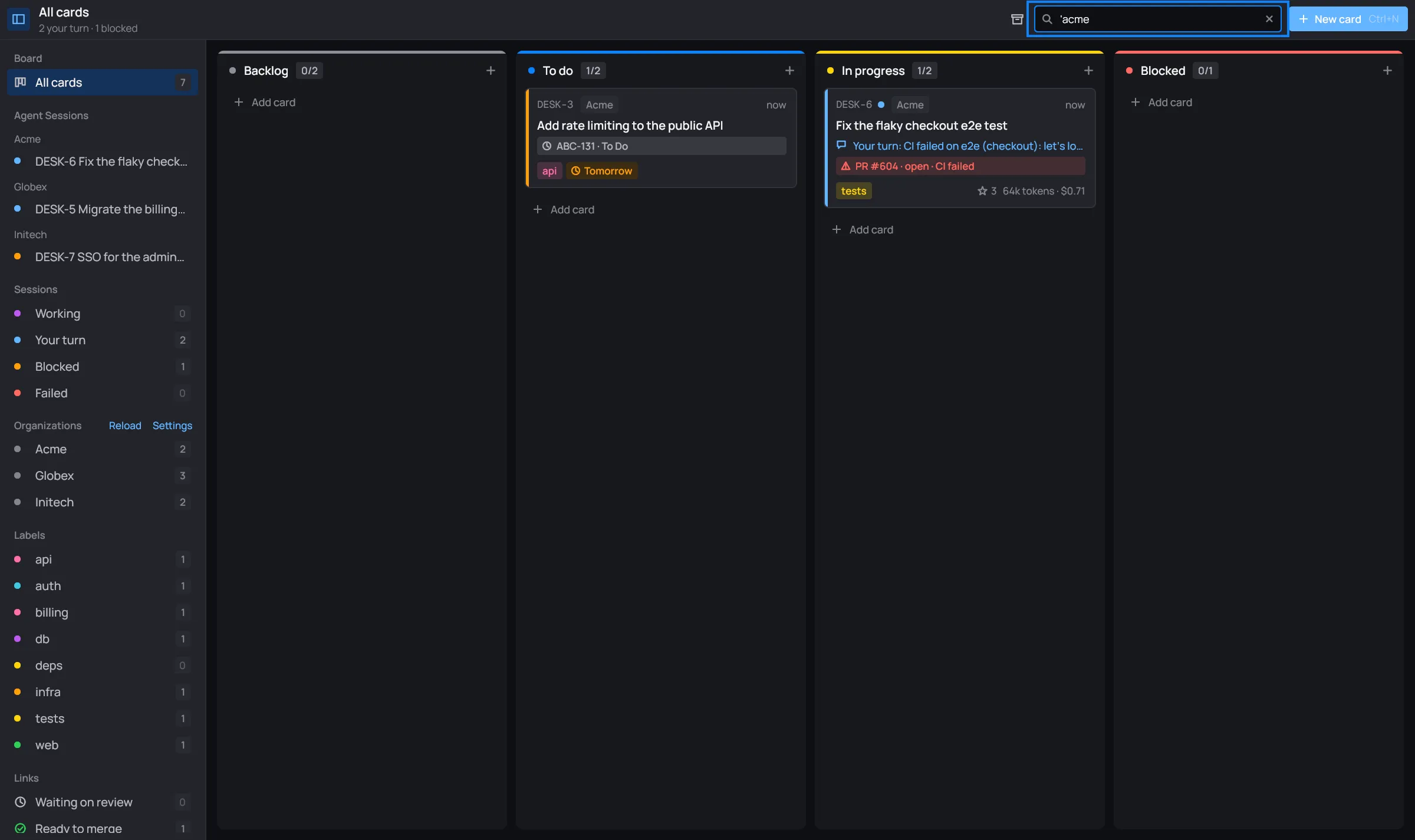
'acme |
the exact text acme |
^DESK-5 |
cards whose text starts with DESK-5; a card’s text starts with its key |
!globex |
cards without globex |
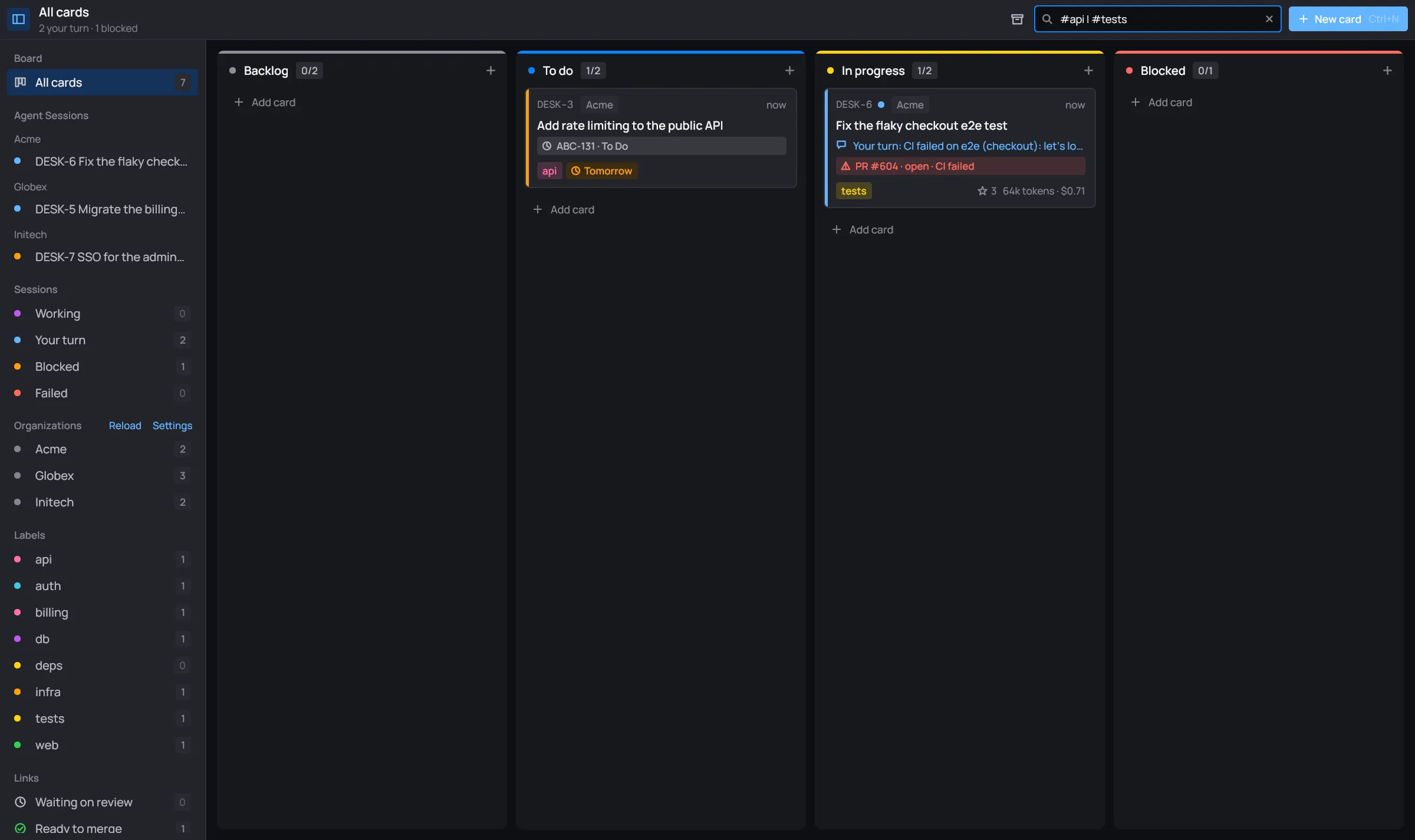
#api | #tests |
either one |
acme / Acme |
all lowercase ignores case; with a capital letter, case counts |
^ and $ anchor to the start and the end of everything the card holds, so
^ is the one that helps: it finds a card by its key.
Some searches that come in handy:
#api | #tests: every card labeled api or tests.'PR #604: the card that links that pull request.ABC-131: the card linking that Jira issue.^DESK-5: one card by its key.