
Notifications
You don’t have to keep an eye on the board. When a card’s session turns to something that needs you, desk shows a desktop notification.
When one fires
Section titled “When one fires”A notification fires when a card’s status changes to one of these:
| Status | The notification’s title |
|---|---|
| Your turn | DESK-5 · Your turn |
| Blocked | DESK-7 · Blocked |
| Failed | DESK-6 · Failed |
| Done | DESK-8 · Done |
Its body is the card’s title, then the reason Claude gave (or, without one, the start of its last message) as plain text.
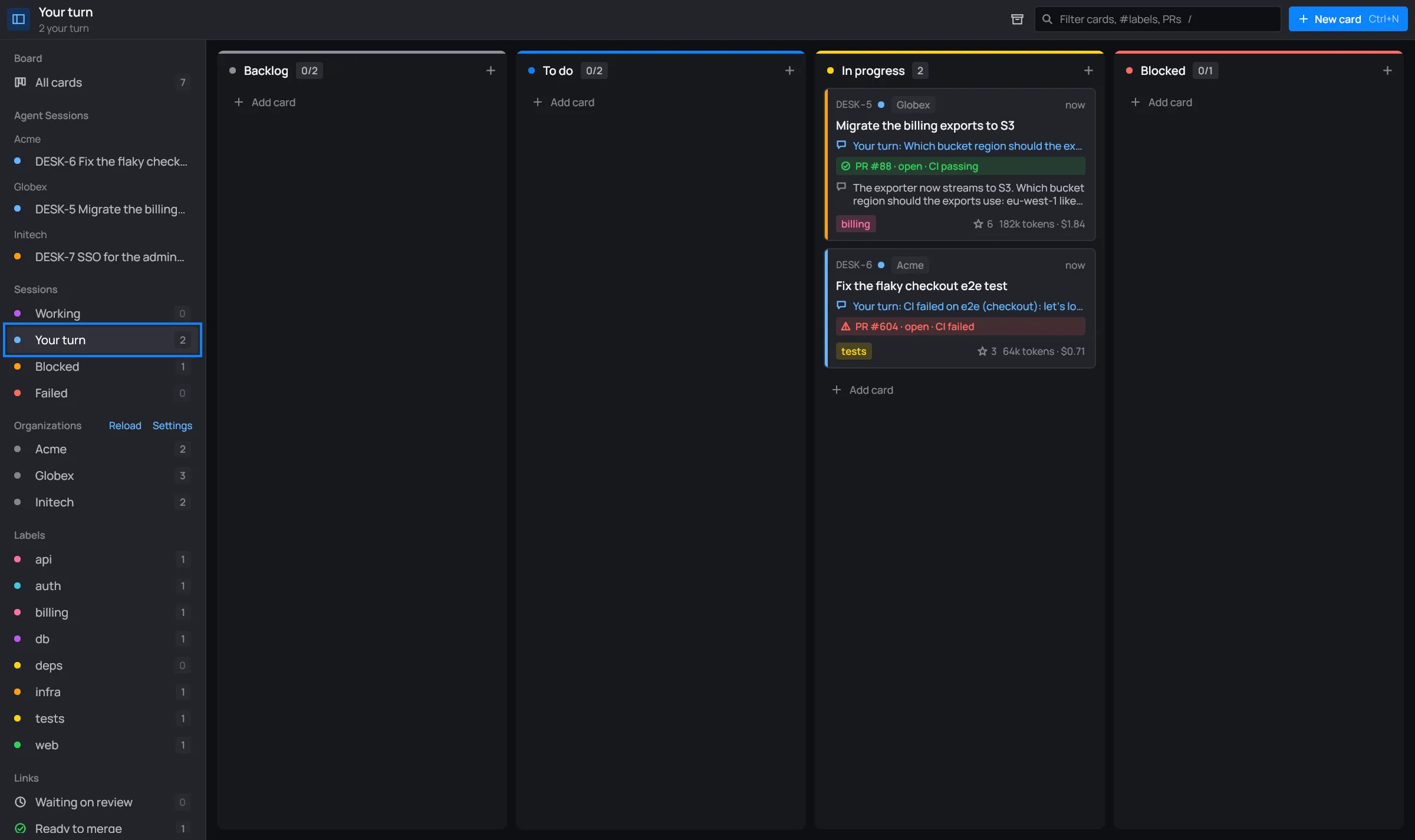
Those are the cards the sidebar’s Your turn, Blocked and Failed views gather, so a notification’s card is easy to find there:

When it doesn’t
Section titled “When it doesn’t”- You’re already looking at the card. desk’s window has the keyboard and the card’s session is open, in the panel or full window.
- You stopped the session yourself. A stop is your own doing, so there’s nothing to tell you.
- The status didn’t change. A card that’s already your turn doesn’t notify again.
- The session is working. Working never notifies: the session doesn’t need you yet.