The palette
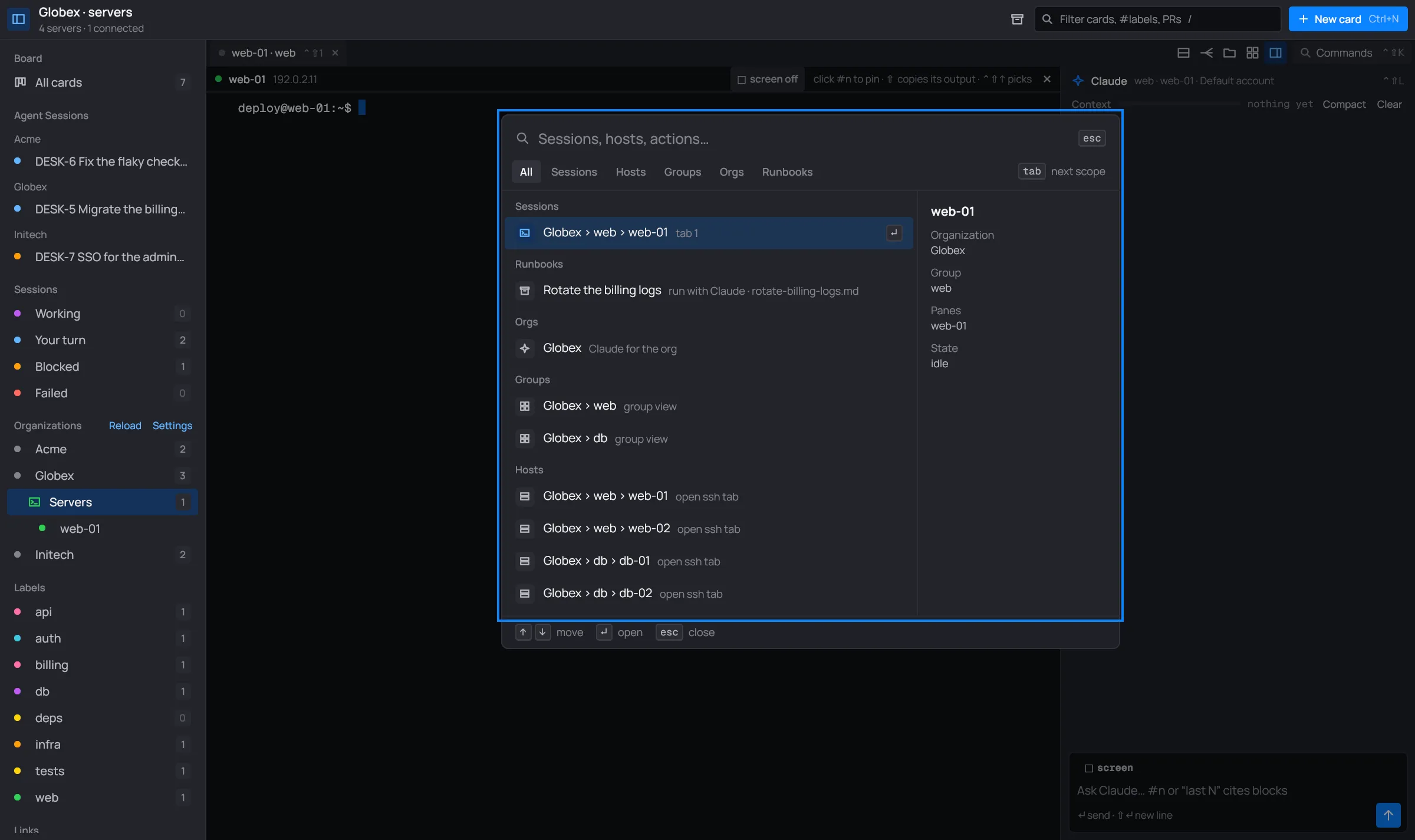
Ctrl+Shift+K (⌘+K on macOS), or Commands at the right of the toolbar, opens the infra workspace’s palette: one search box for its sessions, servers, groups, organizations, runbooks, alerts and actions.
Using it
Section titled “Using it”- Type to search. It uses the fzf syntax: fuzzy words,
'exact,^prefix,!not. Matched letters are highlighted, best matches first. - ↑ ↓ move, ↵ opens, esc closes.
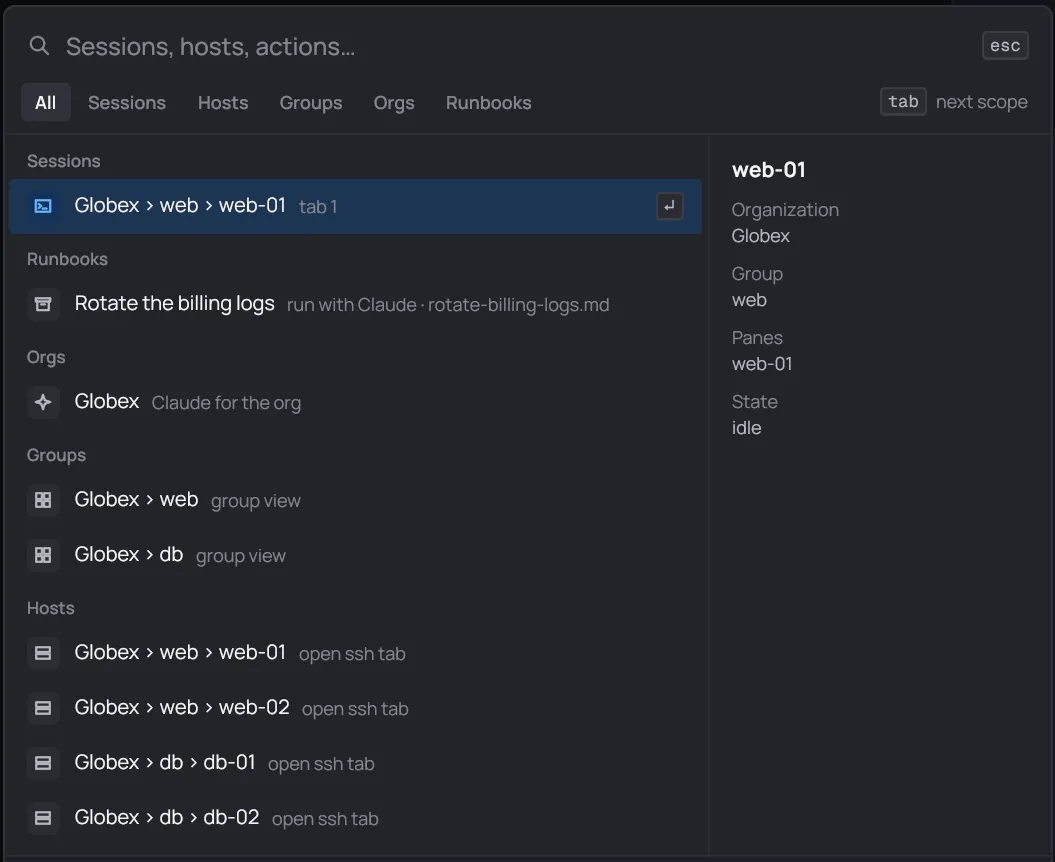
- Tab and ⇧Tab switch scope: All, Sessions, Hosts, Groups, Orgs, Runbooks, Alerts, Actions, Themes. Only scopes with something in them show.
- On a wide window, a preview on the right shows the selected item: a server’s address, group, alert, notes and open tabs; a session’s organization, group, panes and state.
What it lists
Section titled “What it lists”These show with an empty query:
| Group | An item reads | Opening it |
|---|---|---|
| Alerts | investigate CRITICAL web-02 | Makes the alert a card on the board, to look into. See Alerts. |
| Sessions | Globex › web › web-01, Globex › Claude | Goes to that tab. “▲ needs approval” marks one waiting on you. |
| Runbooks | Rotate the billing logs | Runs it with this tab’s Claude. See Runbooks. |
| Orgs | Globex, “Claude for the org” | The organization’s own Claude session. |
| Groups | Globex › web, “group view” | The group view. |
| Hosts | Globex › db › db-02, “open ssh tab” | Opens a tab on the server, or goes to its session. |
A session or tab of another organization takes desk there: the Servers view follows.
Actions
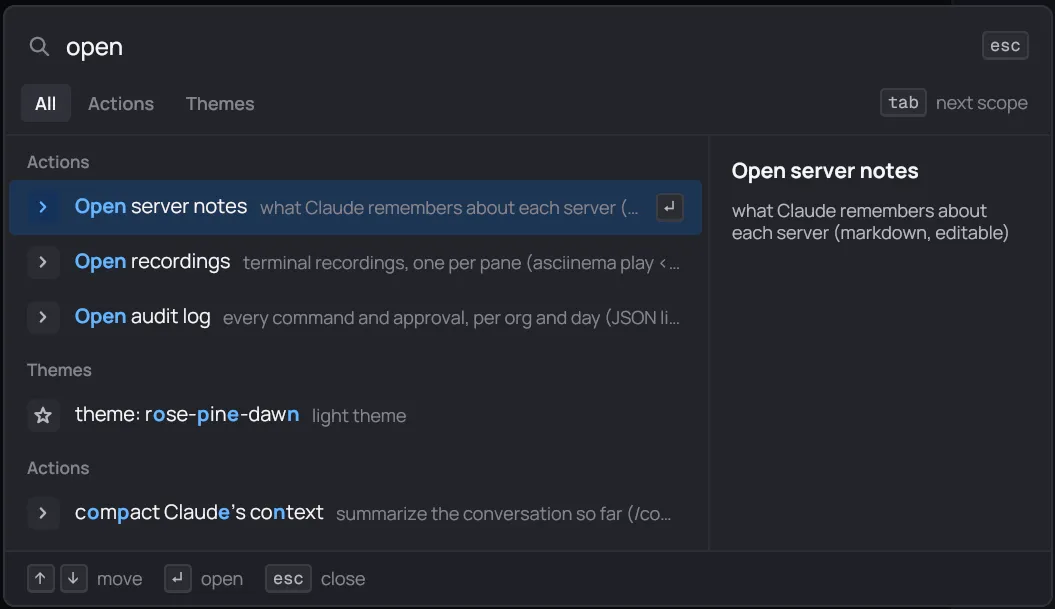
Section titled “Actions”Actions show once you type a few letters of them.
| Action | What it does |
|---|---|
| reload config | Reads the organizations’ desk.toml files and servers files again. |
| copy server password | Copies the focused server’s password (Ctrl+Shift+P types it into a waiting sudo prompt instead). |
| copy ssh command | The ssh command for the focused server, on desk’s shared connection, for another terminal. |
| broadcast typing to all panes | Turns broadcast on or off for the tab. |
| New directory split (files) | The directory split for the focused server. |
| forward …, rforward …, socks … | Port forwards. |
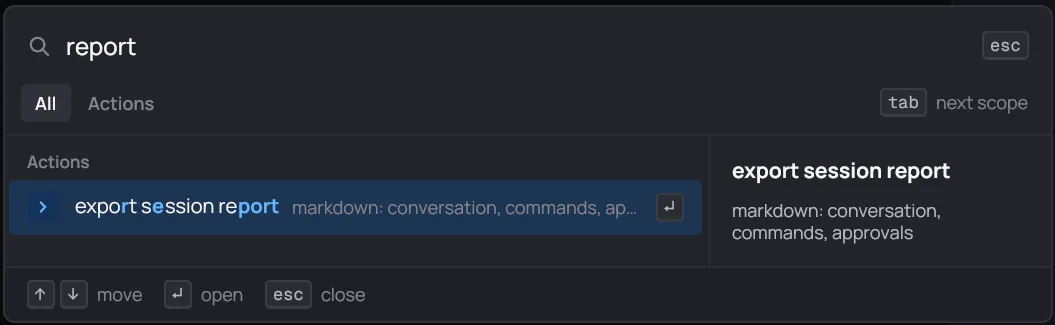
| export session report | The tab’s session as Markdown. See Reports. |
| draft a postmortem with Claude | Asks the tab’s Claude for a postmortem of the session. |
| compact Claude’s context, clear Claude’s context | Shorten or empty the conversation. |
| model: opus, sonnet, haiku, default | The tab’s Claude model, from the next question. |
| Open server notes | The folder of Claude’s notes on each server. |
| Open recordings | The folder of recordings. |
| Open audit log | The folder of the audit log. |
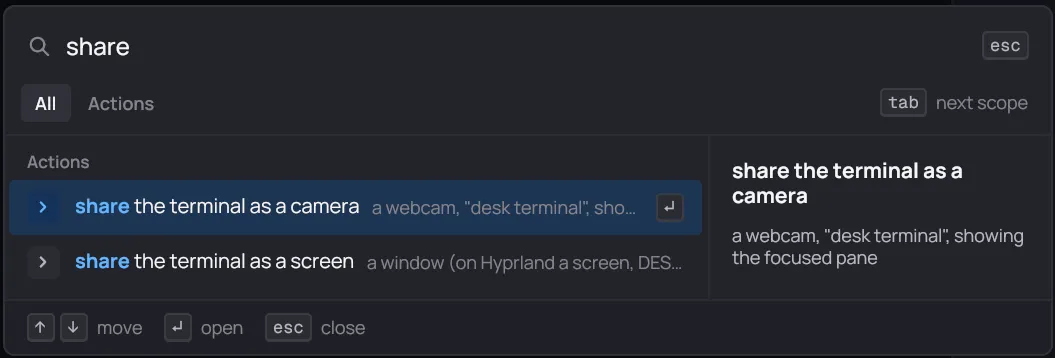
| share the terminal as a camera, as a screen | Show a pane in a call. |
| theme: … | The workspace’s color theme. |
The Open … actions open the folder in your file manager.
Runbooks
Section titled “Runbooks”The palette lists the runbooks in <Org>/.desk/infra/runbooks/ of the tab’s organization,
with “run with Claude” and the file.
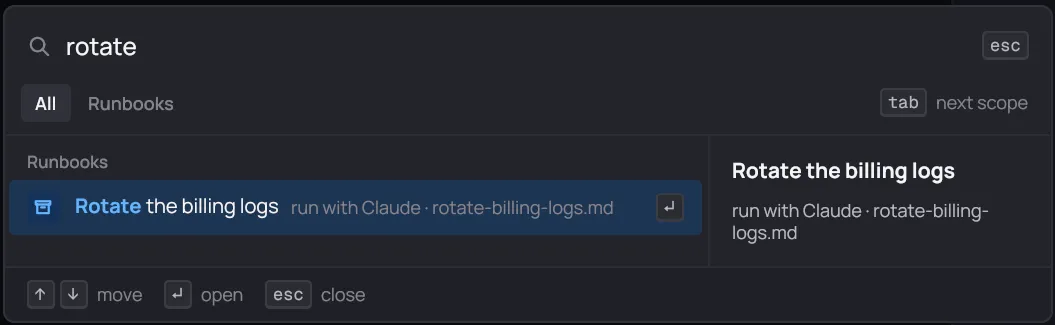
Pick one and the tab’s Claude follows it step by step (“▶ runbook: …” in the conversation). If Claude is busy, desk says so: start it when Claude is done, or stop it. How to write one: Runbooks.
Port forwards
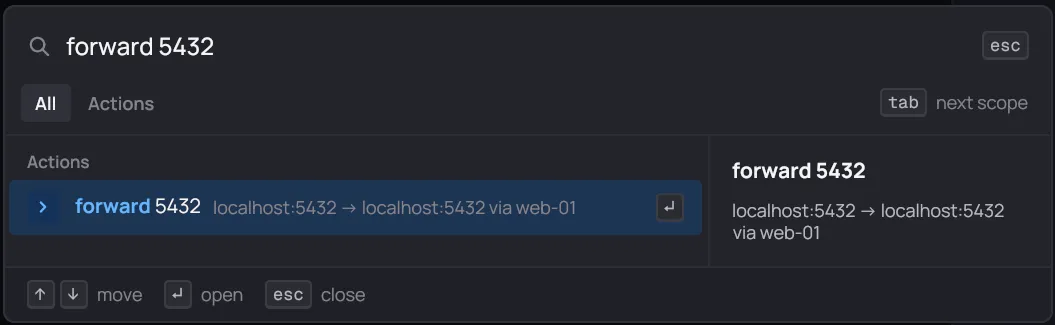
Section titled “Port forwards”Type a forward and pick it. It’s added to the focused server’s shared SSH connection, so no new login, and it comes back after a reconnect or a restart.
| You type | What you get |
|---|---|
forward 5432 |
localhost:5432 here reaches port 5432 on the server. |
forward 9000:5432 |
localhost:9000 here reaches port 5432 on the server. |
forward 9000:db.internal:5432 |
localhost:9000 here reaches db.internal:5432, through the server. |
rforward 3000 |
Port 3000 on the server reaches port 3000 on this machine. |
socks 1080 |
A SOCKS proxy on localhost:1080, through the server. |
fwd works for forward. Typing just forward, rforward or socks shows these forms as
hints. Each active forward is listed as stop forward …, to remove it.
New directory split (files), Ctrl+Shift+F or the toolbar’s
folder button opens a two-panel file manager under the panes: the focused pane’s server on the
left (in the shell’s current directory), this machine on the right. It works over the server’s
shared SSH connection, with sh, ls/find, cat and tar, so the server needs nothing
installed. One split per tab.
| Key | What it does |
|---|---|
| ↑ ↓ PgUp PgDn Home End | Move |
| Tab | The other side |
| Enter or F3 | Open a folder, or download a file and open it |
| Backspace | Up a folder |
| Space, ⇧+arrows, Ctrl+click | Mark |
| A | Mark or unmark all |
| H or . | Show dotfiles |
| R | Reload |
| F4 | Edit in your editor: each save is uploaded back, for an hour |
| F5 / F6 | Copy / move to the other side |
| F2 or ⇧+F6 | Rename |
| F7 | New folder |
| F9 | Chmod |
| F8 or Delete | Delete (asks first) |
| Esc | Cancel a copy, or close the split |
- Drag rows to the other side to copy them. Typing a name jumps to it.
- When a copy meets a file that’s there already: O replaces, S skips, N cancels.
- With F4, if the server’s copy changed since you opened it, desk asks before uploading.
Sharing a pane
Section titled “Sharing a pane”To show a terminal in a video call without sharing your whole screen:
- share the terminal as a camera makes a webcam called “desk terminal” that shows the focused pane (1280×720). Pick it as your camera in the call. It uses v4l2loopback when it’s loaded, or else PipeWire. Linux only.
- share the terminal as a screen opens a window, “desk terminal share”, that shows the
focused pane. Share that window from the call. On Hyprland desk also makes a headless monitor,
DESK-SHARE, so the call’s screen picker lists it as a screen.
Both are view-only: nobody in the call can type. stop the terminal camera and stop sharing the terminal as a screen end them.