
A changed host key
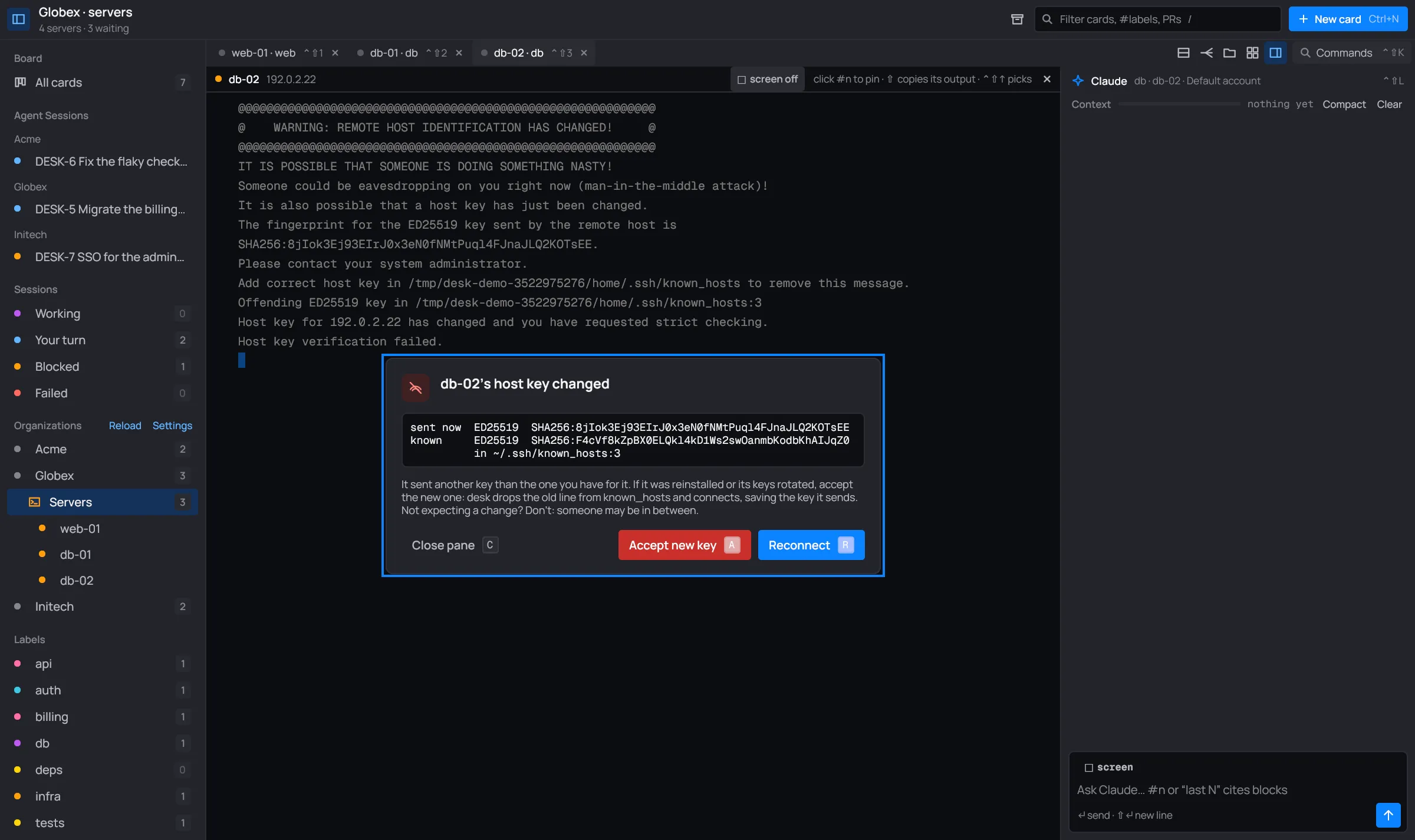
When a server sends ssh a different host key than the one in your known_hosts (it was
reinstalled, its keys were rotated, or someone is in between), ssh refuses to connect. desk
reads ssh’s warning and puts what matters in the pane’s connection box.
The box
Section titled “The box”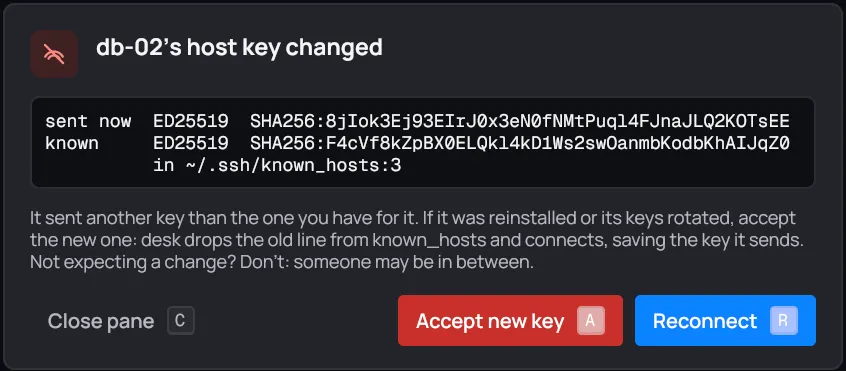
- sent now: the type and SHA256 fingerprint of the key the server sent.
- known: the key you have for it, read from your
known_hosts, and in which file and line. One pair for each line ssh named. A line desk couldn’t read shows?and(unreadable). - Under them: “It sent another key than the one you have for it. If it was reinstalled or its keys rotated, accept the new one: desk drops the old line from known_hosts and connects, saving the key it sends. Not expecting a change? Don’t: someone may be in between.”
Compare the fingerprint with the one the server’s owner gives you (on the server,
ssh-keygen -lf /etc/ssh/ssh_host_ed25519_key.pub) before you accept.
| Button | Key | What it does |
|---|---|---|
| Close pane | C or Esc | Closes the pane. Nothing changes. |
| Accept new key | A | Drops the old line and connects, saving the new key. |
| Reconnect | R | Tries again as it is, for example after you fixed known_hosts yourself. |
Accept new key only shows when ssh said which known_hosts line holds the old key.
What Accept new key does
Section titled “What Accept new key does”-
desk checks each
known_hostsline ssh named: it must still hold the key ssh expected, for that host. Hosts written as names,[host]:portor hashed (|1|…) all count. -
It deletes those lines, and only those. Every other line stays, and the file keeps its permissions.
-
It reconnects with
-o StrictHostKeyChecking=accept-new, that one time. ssh saves the key the server sends toknown_hosts.
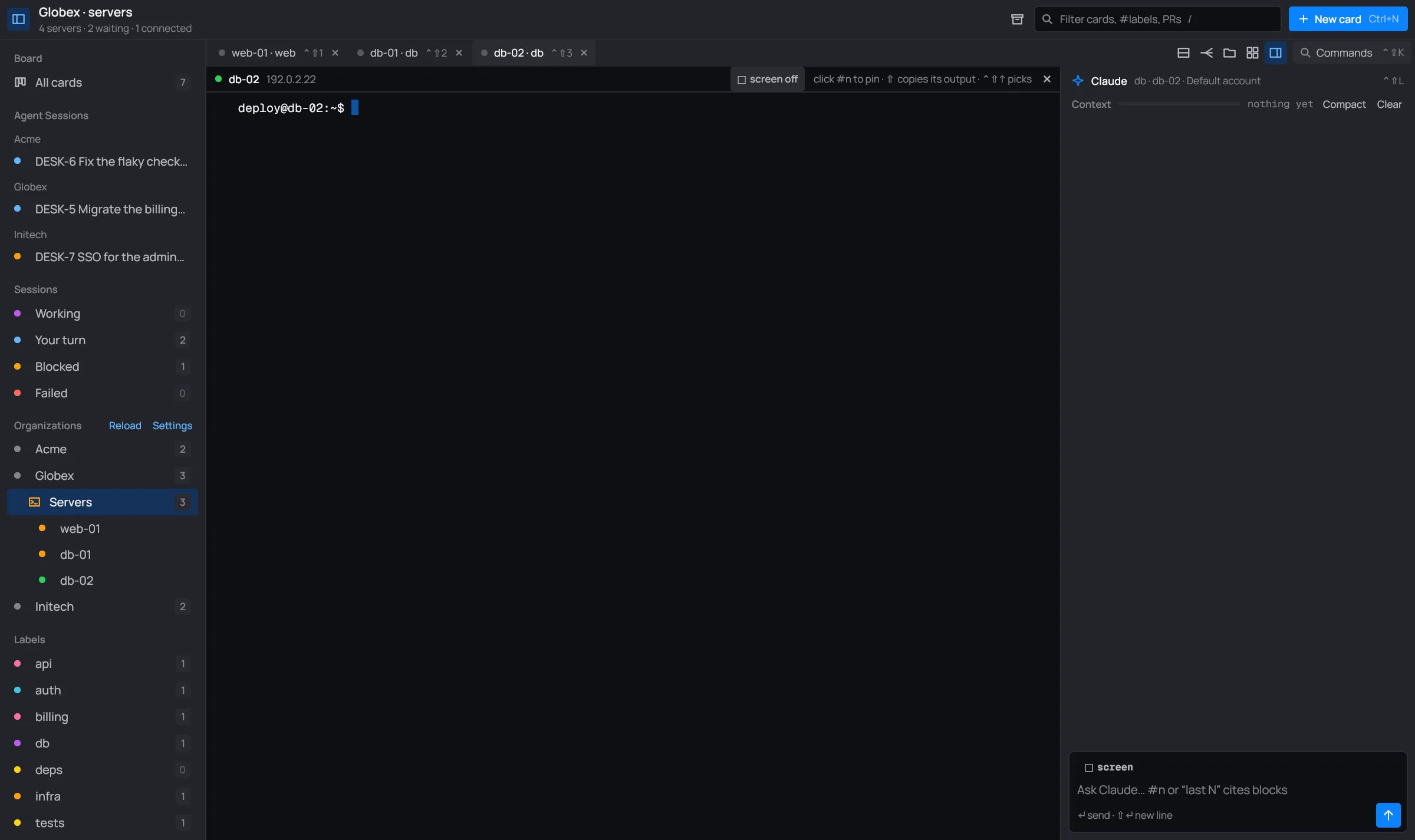
It’s what ssh-keygen -R and a reconnect would do by hand.
What it doesn’t do
Section titled “What it doesn’t do”- It doesn’t check that the new key is genuine. The next connection takes whatever key the server sends, not necessarily the one in the box. Check the fingerprint first.
- If any line no longer holds that key for that host (you edited the file meanwhile), desk drops nothing at all and says so: “… no longer holds the key ssh named; nothing dropped”.
- It doesn’t touch other hosts’ lines, or other keys of this host that ssh didn’t name.
- The one-time
accept-newisn’t saved anywhere: it applies to the next connection only.
If it fails, a toast says why, starting with “accepting the new host key:”.