
Export, import and share
Export
Section titled “Export”The down arrow in a drawing’s header lists what to export it as:
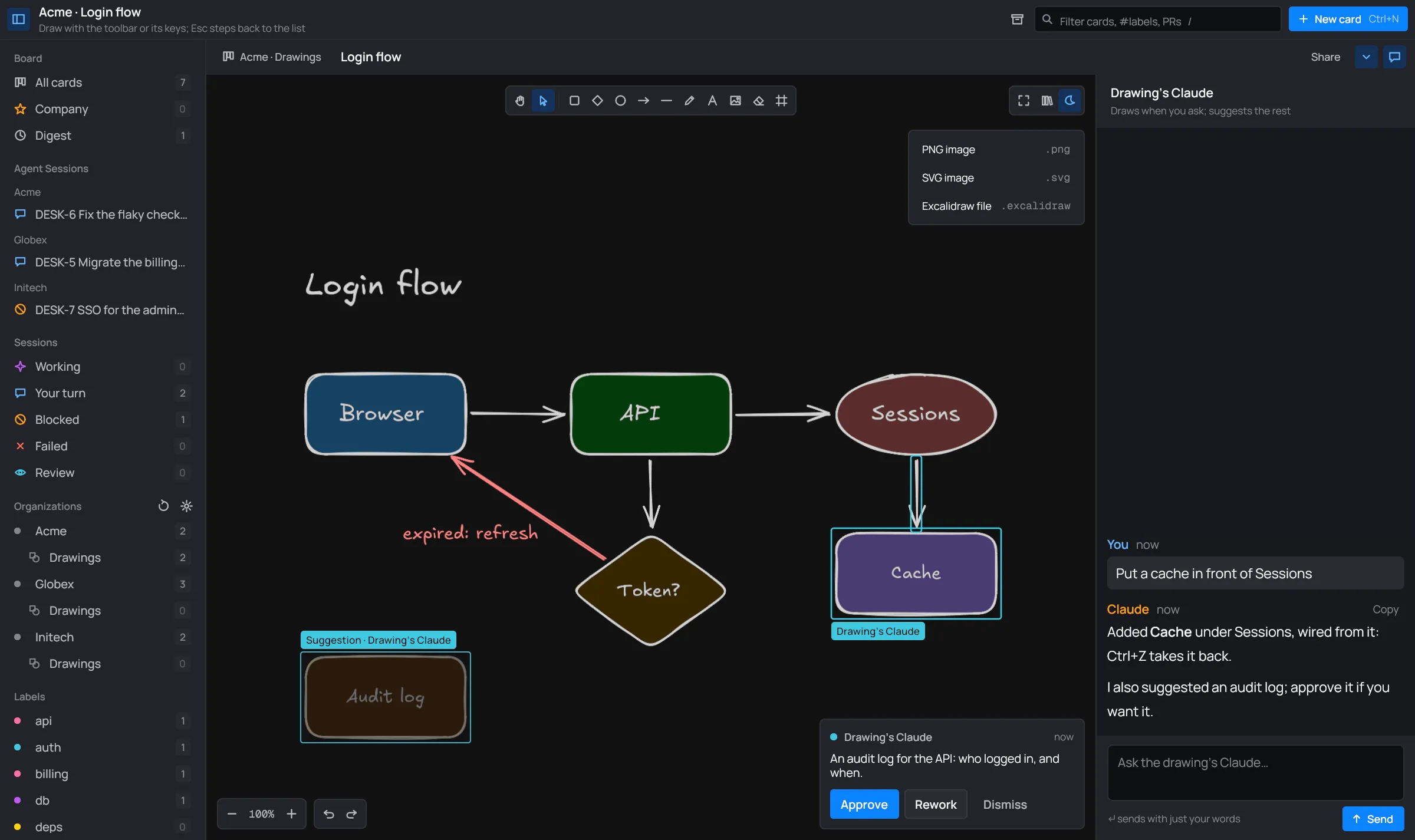
- PNG image: a picture at twice the drawing’s size, sharp on any screen.
- SVG image: a picture that scales, with its fonts inside it.
- Excalidraw file: the drawing itself, to open in excalidraw.com or send to someone.
Your system’s save dialog asks where to write it. A picture looks like the drawing does in desk: on its dark canvas if it has one.
Import
Section titled “Import”Import a file…, under New drawing in a list of drawings, takes a file from your system’s file chooser:
- An
.excalidrawfile becomes a new drawing in that list, named after the file, and opens. - An
.excalidrawlibfile adds its items to the organization’s library.
To bring in only part of an excalidraw.com drawing, copy it there and paste it in desk: see Copy and paste.
Share in a drawing’s header makes it a page on claude.ai that you can send to someone. desk has no way of its own to publish there, so it asks the drawing’s Claude to: desk writes the drawing as a page beside it, and the Claude publishes that page as a claude.ai artifact. Its chat opens, so you can see it work.
The link it publishes is kept with the drawing. A link button then shows in the header, to open the page, and Share again updates the same page with the drawing as it is now.